

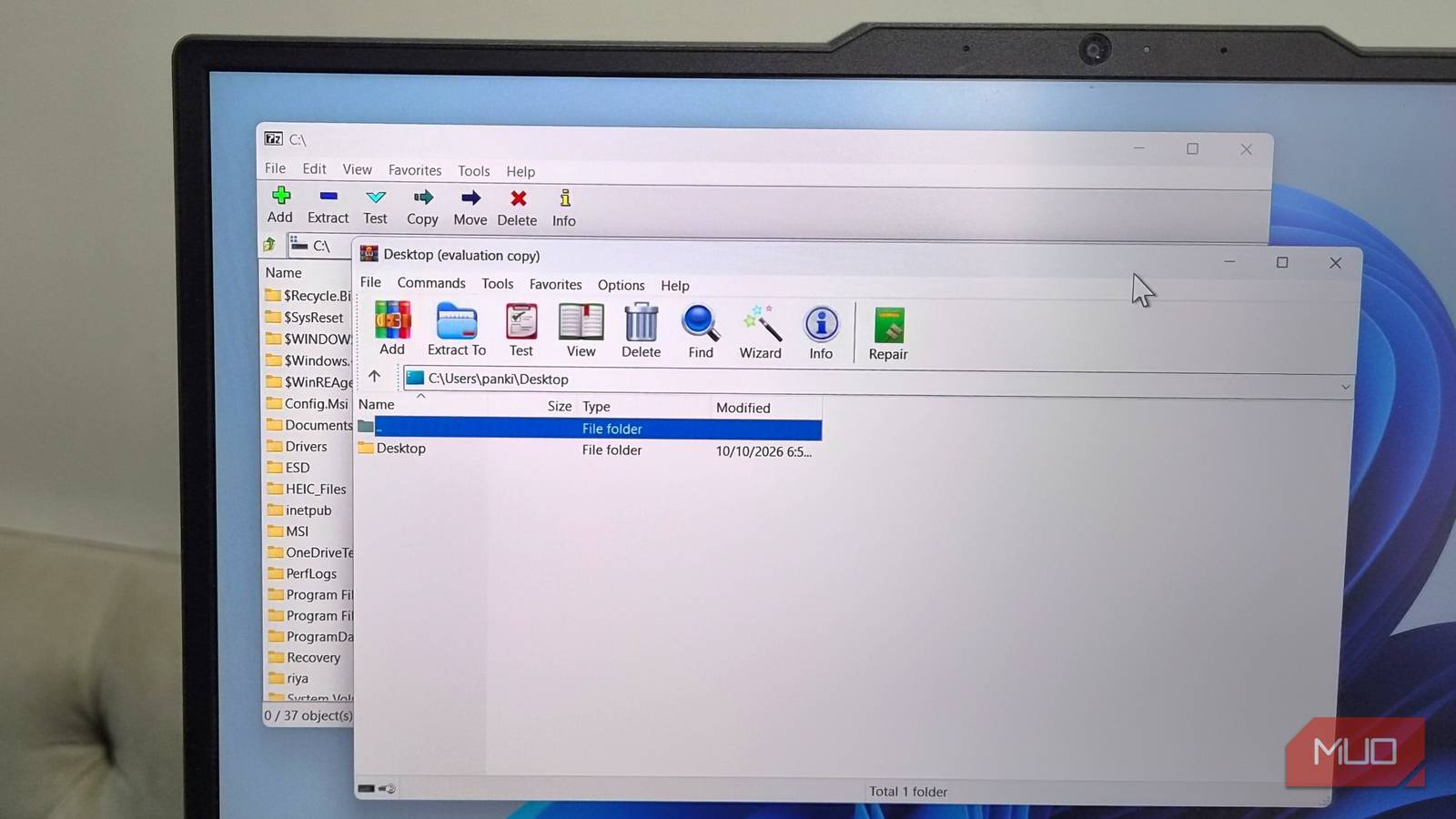
7-Zip and WinRAR are so common on Windows that many people install one during setup and never think about it again. The utilities open ZIP, RAR, 7z, ISO, TAR, GZ and other archive formats, and they often keep working for years without obvious problems. That reliability hides a serious gap: neither program checks for updates automatically. If the installed copy has been sitting on a PC since it was first set up, it may be missing security patches that have been available for months or even years.
That matters because archive tools do more than unpack files. They parse complex file formats, handle compressed data, and process metadata from files that may come from unknown sources. When a flaw exists in that parsing code, a malicious archive can become an attack vector. The user may think they are only opening a downloaded document or recovery file, while the utility is doing exactly what the attacker designed it to do.
Headline and key facts
- Neither 7-Zip nor WinRAR offers automatic update checks, so users must compare installed versions with the latest releases themselves.
- Many Windows PCs run outdated copies of these tools for months or years because the programs continue to open archives normally.
- Recent security fixes include a WinRAR patch for a RAR5 recovery-file flaw and a 7-Zip patch for a critical issue that could bypass a Windows security warning.
- Manual updates require opening Help > About, checking the official version, downloading the installer, and running it.
- UniGetUI is a free, open-source package management tool that can check for and install updates for many Windows programs, including 7-Zip and WinRAR.
Both tools share a basic but serious flaw
7-Zip and WinRAR need no introduction. They are among the most familiar names in Windows software, and most users can install either one in minutes. The problem is not that they are difficult to use or that they lack features. The problem is that both still depend on the user to notice when a new version is available.
That design choice has consequences. An outdated version of 7-Zip or WinRAR does not usually display warnings, slow down, or stop working. It keeps extracting archives and creating new ones as if nothing has changed. From the user's point of view, there is no visible reason to check for an update. From a security point of view, the missing patch may be the only thing standing between a crafted archive and a compromised PC.
Most modern Windows applications have some update mechanism, even if it is imperfect. Some check automatically and prompt the user. Others include a manual Check for updates option. 7-Zip and WinRAR are different. They do not provide that convenience, and that means the responsibility shifts entirely to the person using the software. If that person forgets, the old version stays in place.
The security risks are not theoretical
It is easy to treat archive utilities as harmless helper programs, but they handle files that frequently arrive from the internet, email attachments, cloud storage, and messaging apps. That makes them a useful target for attackers. A specially crafted archive can exploit a bug in the way the tool reads compressed data, recovery records, or file metadata.
One recent example involved WinRAR and its handling of RAR5 recovery files. Older versions had a flaw in how they processed .rev files. A maliciously crafted recovery file could cause WinRAR to write data outside its allotted memory and potentially let an attacker control the machine remotely. The developers fixed the issue, but the fix only helps users who install it.
7-Zip had a separate critical flaw that was patched last year. In that case, the bug allowed attackers to bypass a Windows security warning and extract a malicious file. The warning exists to help users avoid opening files that may have come from an untrusted source. When a flaw defeats that warning, the usual visual cues become unreliable.
These incidents are rare, and both projects have generally responded quickly with patches. The deeper problem is distribution. A patch can be available on an official site, but if the software never tells the user that a new version exists, many people will never look for it. The result is a long tail of outdated installations that remain exposed long after the vulnerability has been fixed.
Manual updates are easy but easy to forget
Updating either program is not difficult. The challenge is remembering to do it and knowing which version is installed. With 7-Zip, the user can open Help > About 7-Zip and note the version number. Then they need to visit the official site, compare the latest release with the installed version, and download the newer installer if one exists. Running that installer updates the program.
WinRAR follows a nearly identical process. The user opens Help > About WinRAR, checks the version number, and then uses the Home page button to reach the official site. If a newer version is listed, they download it and run the installer. There is no built-in update button that does the checking for them.
On paper, the process takes only a few minutes. In practice, few people build a habit of checking archive software every few weeks. Most users install 7-Zip or WinRAR once and move on. They may check for updates after reading about a security scare, but that reaction is inconsistent. Even a user who checks occasionally can remain vulnerable for days or weeks between the release of a patch and the moment they install it.
Why outdated copies linger on so many PCs
The lifecycle of an archive tool explains part of the problem. These programs are often installed early in the life of a PC, sometimes alongside other basic utilities. They are not opened every day. When they are used, they perform a simple task and close. There is no dashboard, no account, and no recurring notification that reminds the user to update.
Portable versions add another layer of complexity. A user may carry 7-Zip or WinRAR on a USB drive or keep an old installer in a downloads folder. The program works, so there is no immediate pressure to replace it. Over time, the gap between the installed version and the current release grows, and the security risk grows with it.
Windows itself includes basic ZIP support, but many users still prefer 7-Zip or WinRAR for RAR files, stronger compression, password protection, split archives, and other features. That makes these tools sticky. Once installed, they tend to stay installed. The software becomes part of the background infrastructure of the PC, which is exactly why an automatic update mechanism would be so valuable.
UniGetUI offers a practical way to automate updates
The simplest fix for an individual user is to check the installed version today and update it manually. The better long-term fix is to remove the dependence on memory. UniGetUI is a free, open-source application that can manage updates for a wide range of programs on a Windows PC, including software installed outside the Microsoft Store.
Once UniGetUI is installed, it can check for newer versions of installed applications every few hours and keep them updated automatically. That means the user does not have to remember to open Help > About in 7-Zip or WinRAR, visit the official site, compare version numbers, and download an installer. The tool can handle the checking and the installation process, including the prompts that normally interrupt the user.
UniGetUI also provides control over what happens. It can notify the user when an update is available and when it has been installed. If certain applications should not be updated automatically, they can be excluded from the list. The tool also allows specific versions to be skipped when that is necessary. Beyond updates, it offers app installation, removal, and general package management, which makes it useful beyond the two archive utilities that prompted this warning.
Checking versions today and building a safer routine
For anyone who uses 7-Zip or WinRAR, the first step is to confirm the installed version. Open the program, go to Help, and choose About. The version number is displayed there. Compare it with the latest release listed on the official site. If the installed version is older, download the current installer and run it.
The second step is to decide how future updates will be handled. Manual checks work only if they happen consistently. An automation tool such as UniGetUI can reduce the chance that a patch sits unnoticed for months. Users who prefer manual control can set a calendar reminder, but the reminder is only as reliable as the person who follows it.
The final step is to treat archive software like any other security-sensitive program. It opens files from the internet, so it deserves the same attention as a browser, PDF reader, or antivirus tool. The version number is not a trivial detail. It determines whether the program includes fixes for flaws that attackers may already know about.
7-Zip and WinRAR remain capable, trusted tools, and neither is inherently unsafe when it is kept up to date. The weakness is the update model. A program that never checks for updates depends on the user to notice a change that is invisible in daily use. That is a fragile arrangement for software that processes untrusted files. Checking the installed version now, and putting a repeatable update process in place, closes a gap that otherwise stays open for as long as the old version remains on the PC.
Source: MakeUseOf News