

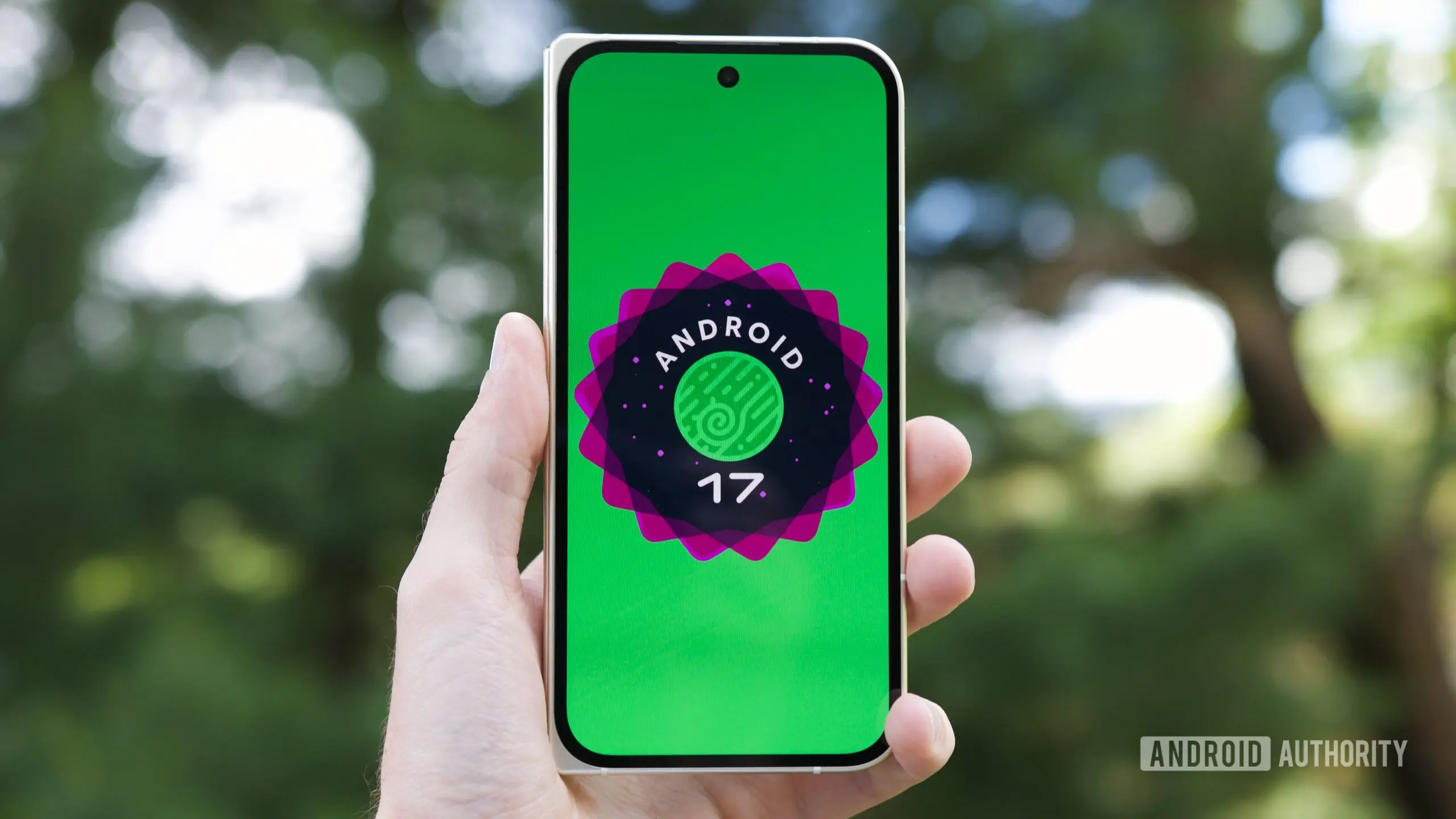
Google has released Android 17 QPR1 Beta 6 for eligible Pixel devices, introducing a suite of improvements that push Android's desktop windowing experience closer to that of a traditional PC. The update, build number CP31.260618.005, continues Google's iterative refinement of the operating system's multitasking capabilities, building on features introduced in earlier betas. While the primary focus remains on bug fixes, the new beta includes several user-facing changes that enhance productivity and usability.
Desktop Windowing Gets a PC-Like Makeover
One of the standout changes in Beta 6 is the repositioning of the taskbar icons in desktop windowing mode. Previously centered at the bottom of the screen, the icons now align to the bottom-left corner, mirroring the layout of Windows and many Linux desktop environments. This shift, first noted by Android expert Mishaal Rahman, makes the interface feel more familiar for users accustomed to traditional operating systems. The taskbar itself remains persistent, providing quick access to pinned and recently used apps. Alongside the icon move, Google has improved picture-in-picture (PiP) window behavior. In earlier versions of Android 17, PiP windows would automatically snap to either the left or right edge of the display, limiting flexibility. Beta 6 removes this constraint, allowing PiP windows to float freely anywhere on the screen. Users can now drag a PiP window to any position and it will remain there, even when switching between apps or resizing the window. This change significantly expands multitasking possibilities, enabling users to watch a video while working in a separate window, or to keep a calculator or notes visible without obstruction. These desktop windowing improvements are part of Google's broader strategy to make Android a viable desktop operating system, especially with the growing popularity of large-screen devices like foldables and tablets. The Android team has been steadily adding features such as a floating taskbar, window resizing, and app pairing. Beta 6 represents a notable step forward in smoothing out the user experience.
Health Connect Expands Automatic Tracking
Health Connect, Google's centralized health data platform, receives a meaningful update in this beta. Following Android 16 QPR2's introduction of automatic step tracking using on-device sensors, Android 17 QPR1 Beta 6 extends the capability to automatically track distance traveled and calories burned. This means eligible Pixel devices can now monitor these metrics without requiring a separate fitness app or wearable. The data is collected locally on the device and integrated into Health Connect, where users have full control over which apps can access it. For developers, this simplifies implementation because they no longer need to build separate logic for counting steps, distance, or calories — they can rely on Health Connect's built-in sensor pipeline. Users benefit from more consistent and reliable health tracking, especially when using multiple apps that previously duplicated effort. The expansion reflects Google's commitment to making health data more accessible and automatically captured, reducing friction for users who want to track their daily activity. Privacy remains a priority: all data is stored locally unless the user explicitly grants an app permission to read it, and the Health Connect dashboard provides clear controls to revoke access at any time.
Pixel Launcher Refinements
Beta 6 also brings a visual refresh to the Pixel Launcher home screen context menu. The menu now has a cleaner appearance: divider lines between individual options have been removed, reducing visual clutter. Additionally, the "Wallpaper & style" label has been repositioned above the recent wallpaper carousel, making it easier to access wallpaper customization directly from the home screen. These changes are subtle but contribute to a more polished, modern look consistent with Google's Material Design guidelines. The update also includes bug fixes, addressing issues reported by beta testers. One notable fix resolves a problem affecting multiple spell checker language selections, where users could not switch between installed languages correctly. Other stability improvements cover general system performance and app compatibility.
Background and Context
Android's evolution toward desktop-level functionality has been years in development. Google first introduced a rudimentary desktop mode in Android 10 for developers, but it lacked the polish needed for everyday use. With Android 12L, the company began tailoring the interface for large screens, and Android 13 brought a proper taskbar for tablets. Android 16 continued this momentum with enhanced window management, and Android 17 QPR1 Beta 6 represents the latest step in a continuous refinement process. The beta program itself is a key part of Google's development cycle. QPR (Quarterly Platform Release) betas allow Google to test features and fixes before a stable release later in the year. Participating users provide feedback that shapes the final product, ensuring that major updates are as stable as possible. Health Connect, launched in 2022 as a unified health data platform, has seen steady adoption. It competes with Apple Health and Samsung Health, but its open API approach allows integration with a wide range of apps and devices. Automatic tracking using on-device sensors reduces reliance on wearables, making health monitoring more accessible to users who may not own a smartwatch or fitness band.
As Android continues to blur the lines between mobile and desktop computing, updates like Beta 6 demonstrate Google's commitment to power users who demand flexibility. The floating PiP windows and taskbar repositioning may seem minor, but they collectively transform how users interact with large-screen devices. Similarly, Health Connect's expanded automatic tracking lowers barriers to consistent health logging. While Beta 6 is still a pre-release version, these features are likely to appear in the stable Android 17 QPR1 update expected later this year. Pixel users on the beta channel can install the update now, while others will need to wait for the public rollout. The build is available for Pixel 6 and newer models, including Pixel Fold and Pixel Tablet.
Source: Android Authority News