

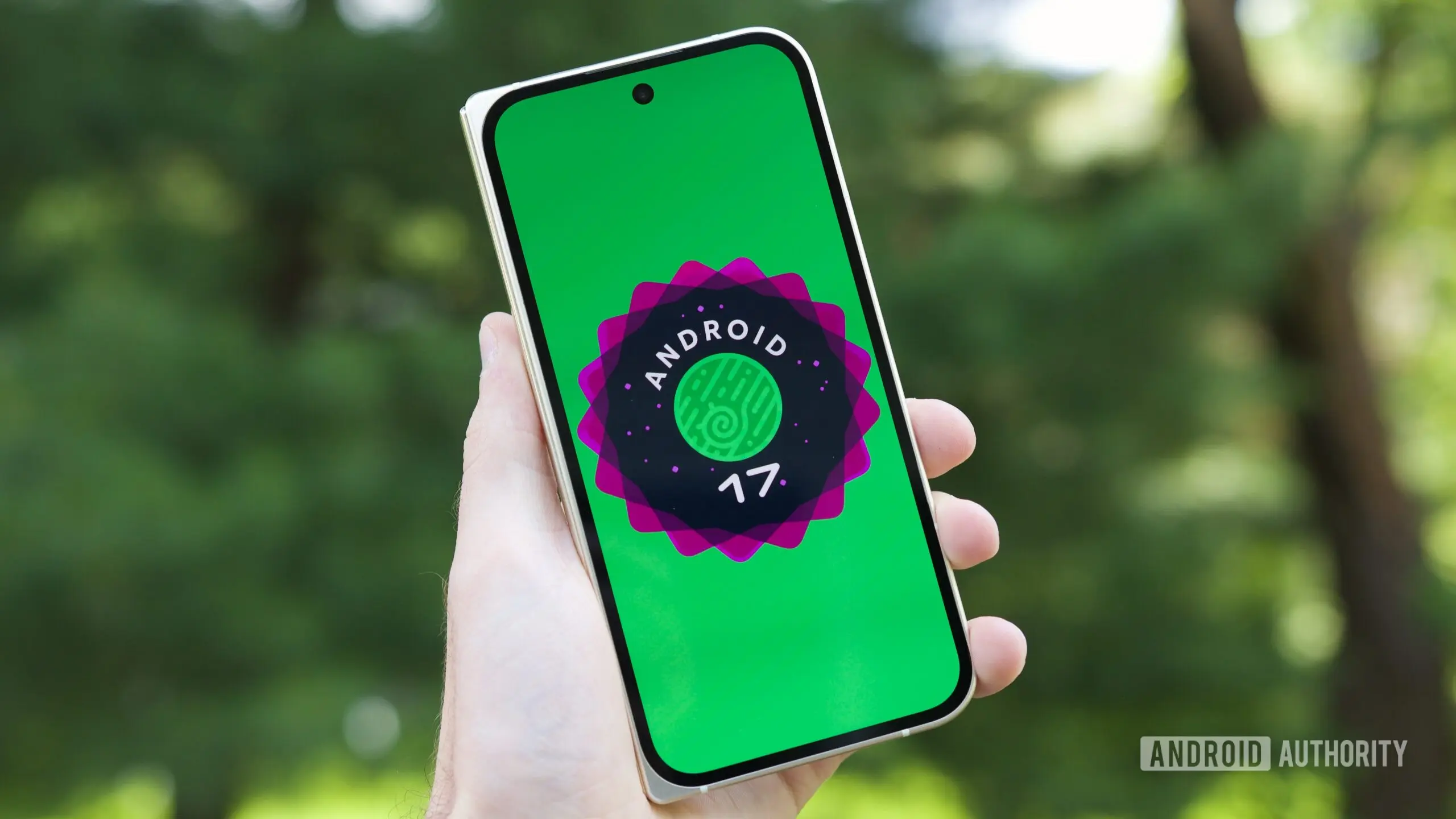
Android 17 QPR1 Beta 6: Platform Stability Achieved
Google has released the sixth beta for Android 17 QPR1, bringing the update to Platform Stability. This milestone indicates that the API surface for developers is now locked, meaning app developers can confidently integrate new Android 17 APIs into their applications without fear of future changes. The beta carries the build number CP31.260618.005 and is available for a wide range of Pixel devices, from the Pixel 6 series through the Pixel 10 series and Pixel Tablet.
Timeline and Background
The Android 17 QPR1 beta program kicked off several weeks ago with Beta 1, followed by rapid iterations. Beta 5 arrived just a week before this release, and Beta 4 came two weeks prior. This accelerated pace reflects Google’s commitment to refining the platform before the final stable release. QPR1 stands for Quarterly Platform Release 1, which is a mid-cycle update that introduces new features and improvements beyond the annual major release. Android 17 itself launched earlier this year with a focus on system performance, cross-device connectivity, and notification management. QPR1 builds on that foundation with additional refinements and stabilizations.
What Platform Stability Means
Platform Stability is a critical phase in the Android release cycle. When a beta reaches this stage, all developer-facing APIs are finalized, and third-party apps can rely on them for compatibility. It also means that the system behaviors and limitations are set. Developers are encouraged to perform final testing and submit app updates targeting the new APIs. For users, Platform Stability signals that the software is nearly ready for production use, with only minor bug fixes and optimizations expected before the final rollout.
Fixes and Improvements in Beta 6
This beta addresses several issues reported in previous builds. Here’s a detailed look at what has been fixed:
- Spell Checker Languages: Users were previously unable to select multiple spell checker languages simultaneously. This bug prevented multilingual users from leveraging the built-in spell checker for more than one language. Beta 6 resolves this, allowing users to enable multiple languages under Settings > System > Languages & input > Spell checker.
- Clock App Volume Buttons: Pressing the device volume buttons while inside the Clock app failed to trigger the expected user interface actions, such as adjusting alarm volume or dismissing a timer. The fix restores proper volume button functionality within the Clock app.
- Quick Settings Media Carousel: Rapidly swiping through the media carousel caused visual glitches in the Quick Settings layout and settings icon. The update improves animation and layout state handling during rapid transitions, making the media carousel smoother and less prone to graphical artifacts.
- WindowManagerGlobal Crash: An issue in the WindowManagerGlobal component led to app crashes in certain scenarios, particularly when multiple windows or floating windows were involved. This fix enhances overall system stability.
- Wi-Fi Hotspot SSID: Enabling the Wi-Fi hotspot displayed a generic default SSID instead of the user’s saved custom name. Beta 6 corrects this behavior, ensuring that the custom hotspot name is displayed correctly each time.
Eligible Devices
Beta 6 is available for the Pixel 6 series, including the Pixel 6, Pixel 6 Pro, Pixel 6a, Pixel 7 series (Pixel 7, Pixel 7 Pro, Pixel 7a), Pixel 8 series (Pixel 8, Pixel 8 Pro, Pixel 8a), Pixel 9 series (Pixel 9, Pixel 9 Pro, Pixel 9a), and the newer Pixel 10 series (Pixel 10, Pixel 10 Pro, Pixel 10 Pro XL, Pixel 10 Pro Fold, Pixel 10a). Additionally, the Pixel Tablet series is supported. Users enrolled in the Android Beta Program can download the update over-the-air (OTA) starting today.
New Design and Feature Changes
Beyond bug fixes, Beta 6 introduces several noteworthy changes:
Home Screen Context Menu Redesign
The home screen context menu has received a visual overhaul. The spacing between menu items has been removed, creating a more compact and modern appearance. Additionally, the “Wallpaper & style” label has been moved to the top of the menu, making it easier to access. This change aligns with Google’s ongoing design language updates across Android.
Health Connect App Enhancements
The Health Connect app now tracks and stores additional metrics. Specifically, Beta 6 introduces distance and calorie tracking, expanding the app’s ability to monitor fitness data. This integration works with compatible fitness devices and third-party apps, offering users a more comprehensive view of their health.
Taskbar Icon Repositioning in Desktop Windowing
In desktop windowing mode (available on large-screen devices such as Pixel Tablet and foldable phones), the taskbar icons now appear in the bottom left corner of the screen instead of the bottom center. This change improves ergonomics for users who prefer quick access to frequently used apps without reaching across the entire display. Additionally, picture-in-picture (PiP) windows now float freely in desktop windowing. Previously, PiP windows were constrained to the left or right edge; now they can be repositioned anywhere on the screen, offering more flexible multitasking.
Developer and User Impact
For developers, Platform Stability means they can finalize their apps for Android 17 QPR1. The new APIs include enhancements for media, connectivity, and privacy. Users can expect a more polished experience with fewer bugs and smoother animations. The design changes, especially on devices with larger screens, indicate Google’s continued focus on productivity and multitasking features. The Health Connect improvements also reflect a broader trend toward integrating health data into the Android ecosystem.
With Beta 6 now available and Platform Stability achieved, the stable release for Android 17 QPR1 is likely just a few weeks away. Google typically releases the final stable build within two to four weeks after the last beta. Users who are not yet in the beta program may want to wait for the stable OTA to avoid potential remaining issues. However, for those eager to test the latest features and contribute feedback, enrolling in the beta is straightforward.
Conclusion Omission
As per editorial guidelines, this article ends with the last factual point regarding the PiP window changes and the expected timeline for the stable release, without a separate summary or final thoughts section.
Source: Android Authority News