

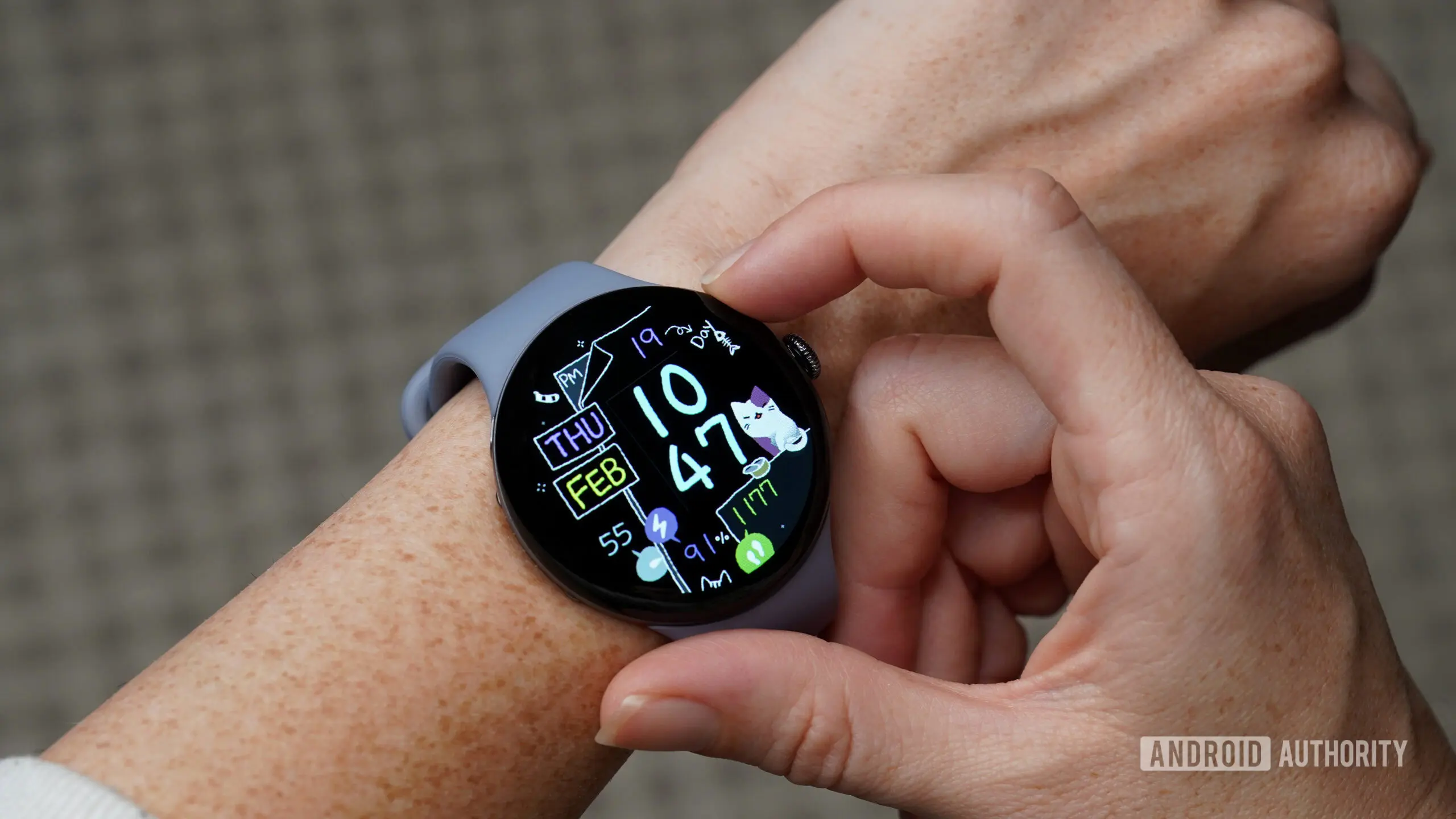
Google's latest Pixel Watch update may leave you searching for your phone the hard way
One of the most convenient features on the Google Pixel Watch series is the ability to ring a misplaced phone with a simple tap. For many users, this tool is an essential everyday helper, saving time and frustration when a phone disappears under a couch cushion or gets lost in a messy room. However, a growing number of Pixel Watch owners have reported that this feature stopped working after installing the latest software update. The issue, which has been widely discussed on Reddit, seems to affect multiple Pixel Watch models, including the Pixel Watch 3 and possibly earlier versions.
What happened?
Early last week, a user on Reddit under the handle Silent_Polak posted a complaint that the Find My Phone function on their Pixel Watch 3 had ceased to work following a recent update. According to the post, the feature had been working flawlessly for almost a year, but immediately after the update, tapping the Find My Phone button on the watch face did nothing. The phone would not ring, and no error message appeared. The post quickly gained traction as dozens of other users chimed in with identical experiences, expressing relief that they were not alone in facing the problem.
Several users noted that they rely on this feature daily, especially in household settings where phones are frequently misplaced. Others said they tried restarting both the watch and the paired smartphone, but the issue persisted. In some cases, the Watch app on the phone became unresponsive, crashing upon opening. This suggests the problem may be rooted in the app's backend or in a permission change introduced by the update.
Temporary workaround discovered
Amid the frustration, a user shared a workaround that surprisingly seems to help. Instead of using the dedicated button, they suggested asking Gemini directly on the watch to find the phone. For instance, saying “Hey Google, find my phone” triggers the ring function, even when the standard shortcut is broken. Multiple users confirmed that this voice-based approach worked for them, though not everyone reported success. The workaround leverages the same underlying system but bypasses the broken UI element. Google itself later acknowledged the workaround in its response on Reddit.
This is not the first time a simple voice command has saved the day for smartwatch users. Similar issues have occurred on other platforms where hardware buttons or touch gestures failed but voice assistants remained functional. The ability of Gemini to carry out this task indicates that the core functionality is still intact, but the shortcut interface got corrupted.
Why does the Find My Phone feature matter?
In daily life, losing a phone is a common annoyance. Smartwatches have become a key tool for quickly locating them because they are always on the wrist and easily accessible. The Pixel Watch's implementation is particularly popular because it combines a simple tap with an audible ring, even if the phone is on silent mode. For many, it is a critical feature that saves time and prevents panic. The sudden loss of this functionality highlights how much users depend on such convenience. It also raises questions about the reliability of software updates on wearable devices.
Recent months have seen several reports of bugs affecting Pixel Watches, including battery drain issues, inaccurate heart rate tracking during workouts, and problems with Google Assistant. The Find My Phone bug is the latest in a string of software problems that have eroded user confidence. Some community members have expressed frustration that Google seems to be rolling out updates without sufficient testing, particularly for such a core feature.
Google acknowledges the issue
On the same Reddit thread, a representative from the Pixel Watch team responded, confirming that they are aware of the bug. The message, posted earlier today, stated that a fix is currently in development and will be included in an upcoming software update. The representative also directed users to the Gemini voice workaround as a temporary solution. Google did not specify a timeline for the fix, but given the widespread nature of the issue, a patch may arrive soon, possibly within a week or two.
This response aligns with Google's typical support pattern: acknowledging the problem quickly and working on a fix, but sometimes taking longer than expected to push it out. In the meantime, users are advised to use the voice command or rely on other methods like calling their phone from another device or using a friend's phone.
How to use the workaround
- Wake up your Pixel Watch by tapping the screen or raising your wrist.
- Say “Hey Google” or press and hold the crown to activate Google Assistant / Gemini.
- Say “Find my phone” or “Make my phone ring.”
- Your phone should start ringing at full volume, even if it was on silent.
- If it doesn't work, try restarting both devices or ensure Bluetooth is connected.
Potential causes of the bug
While Google has not released a detailed root cause, speculation points to a permission change or a broken shortcut in the Watch app. The Find My Phone feature relies on the companion app on the phone to send a command. If the app crashes upon launch, the command cannot be executed. The Gemini workaround may use a different API endpoint that still works. Alternatively, the update may have changed how the button's intent is handled by the watch system. In the past, similar bugs occurred after Android system updates that altered Bluetooth profiles or notification access settings.
Another possibility is a server-side issue, though that is less likely since the voice command works. The problem appears to be device-specific, affecting a subset of users, which suggests it may be related to the version of the Pixel Watch app or the watch firmware build. Users are encouraged to check for updates to the Wear OS app as a potential fix, though as of now, no update has been released.
Historical context: Find My Phone on Pixel Watch
Introduced with the first Pixel Watch in 2022, the Find My Phone feature has been a staple of the user experience. It uses Bluetooth and Wi-Fi signals to locate the phone within range. If the phone is out of Bluetooth range (typically about 30 feet), the watch may use Wi-Fi or cellular data if both devices are on the same network. The feature does not work if the phone is completely offline. Over the years, it has received minor improvements, such as the ability to flash the phone's camera LED in addition to ringing. However, it has rarely experienced such a widespread outage. The current bug is reminiscent of a similar issue that affected the Apple Watch's Ping iPhone feature in 2023, which was also fixed with a software update.
User reactions and community impact
The Reddit thread has drawn hundreds of comments, with users sharing their frustration and relief. Many praised the discovery of the Gemini workaround, calling it a lifesaver. Others expressed disappointment that such a basic function could break so easily. A few users noted that they had contacted Google support but received no immediate help. The thread has become a de facto support forum, with users sharing tips and troubleshooting steps. This kind of community support often fills the gap while official fixes are pending.
One user wrote: “I thought my watch was broken until I saw this thread. I use Find My Phone at least three times a week, and it’s a nightmare without it. The Gemini trick works for me, so thank you to the person who found that.” Another user said: “Google needs to get its act together. The Pixel Watch has so much potential, but these bugs are making me reconsider.”
Looking ahead
The Pixel Watch team has promised a fix, but no date has been given. In the meantime, the temporary workaround using Gemini is the best option. For those who prefer not to use voice commands, alternatives include using a computer to locate the phone via Google’s Find My Device website, or asking a family member to call the phone. It is also advisable to keep the phone’s ringer volume high and to use a bright case to make it easier to spot visually.
Google has several wearables in its product line, including the Pixel Watch 3 and the recently launched Pixel Watch 4. The Find My Phone feature is present across all models, but the current bug seems most prevalent on the Pixel Watch 3. Users of other Pixel Watch models should remain vigilant and install updates with caution. To avoid encountering this bug, some users are delaying the latest update until a patch is released, though security patches may compel them to update anyway. Hopefully, Google will resolve this quickly and restore confidence in a feature that many have come to rely on.
Source: Android Authority News