

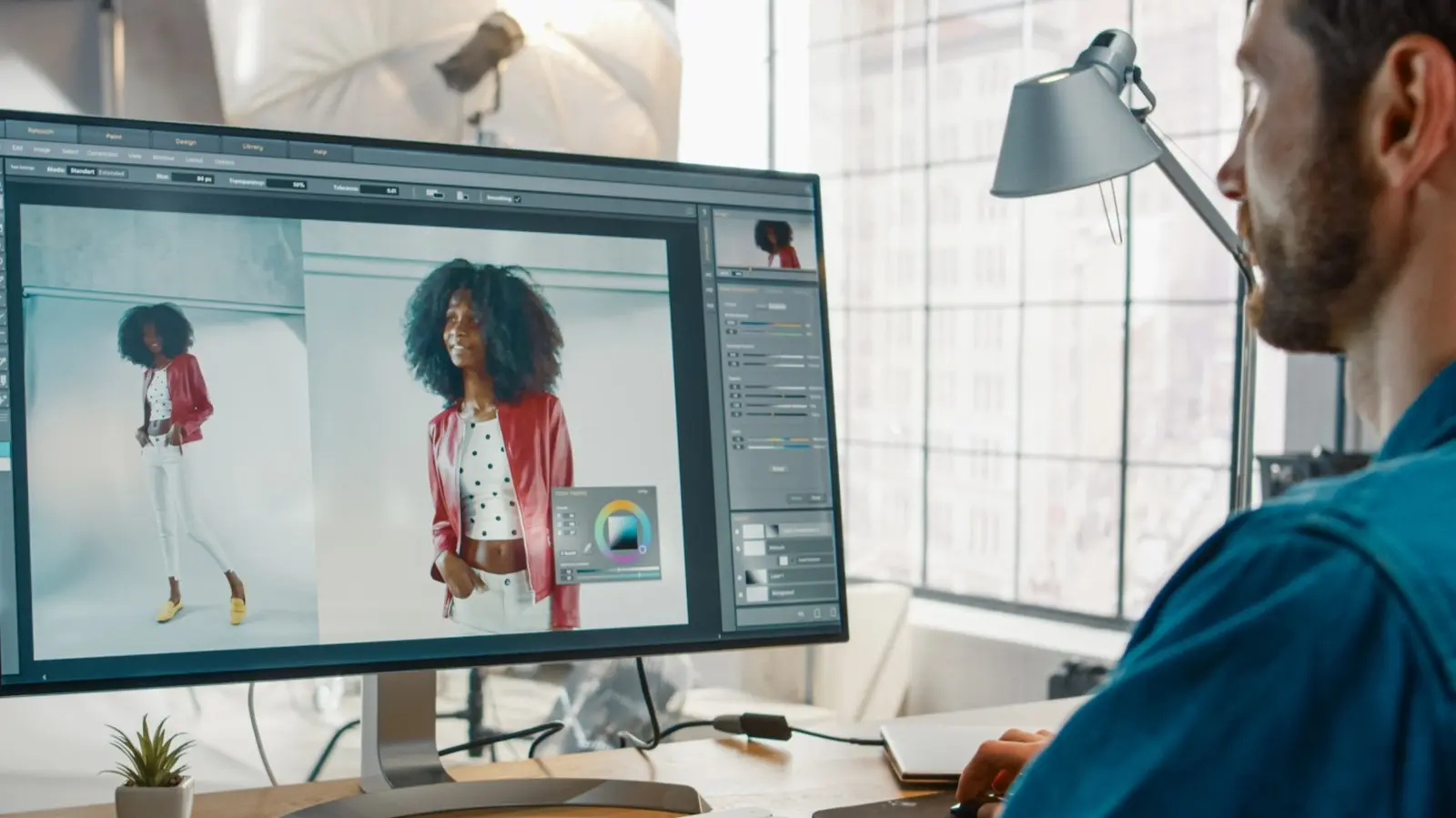
Adobe Photoshop has long been the gold standard for photo editing, but its high subscription cost and steep learning curve drive many users to seek alternatives. Whether you're a professional photographer on a budget, a digital artist, or a beginner who just wants to enhance social media images, the market offers a wealth of options. This article explores 11 of the best Photoshop alternatives, covering free and paid tools, browser-based editors, and specialized software for painting, UI design, and AI-assisted editing.
GIMP: Best Overall Alternative To Photoshop
GIMP (GNU Image Manipulation Program) is a powerful open-source editor that has been actively developed for over 24 years. It offers a comprehensive set of features comparable to Photoshop: layers, masks, color adjustments, custom presets, and an extensive plugin library. One standout plugin is Resynthesizer, which provides content-aware fill similar to Photoshop's. GIMP also natively supports PSD files since a major update in December 2021, allowing seamless switching from Adobe's ecosystem. While its interface can feel dated to some, it is highly customizable. Best of all, GIMP is completely free and runs on Windows, macOS, and Linux. It requires fewer system resources than Photoshop, making it ideal for older computers.
Affinity Photo: Best For Intermediate Users
Affinity Photo from Serif is a one-time purchase alternative that offers professional-grade tools without a subscription. It supports unlimited layers, RAW image import, advanced blending modes, and a familiar workspace with a tool palette on the left and layers on the right. Unique to Affinity is the Persona system, which lets you switch between Photo, Liquify, Develop, Tone Mapping, and Export modes for different tasks. While it lacks some of Photoshop's extensive filter gallery and Neural Filters, it integrates well with Affinity Designer and Affinity Publisher. Affinity Photo is available on Windows, macOS, and iPad, with additional purchases for overlays and templates. Its pricing is significantly lower than Photoshop's annual subscription.
Photopea: Best Free Browser Based Photo Editor
Photopea is a free web-based editor that runs entirely in your browser, supporting PSD, AI, SVG, and other common formats. It offers over 40 editing tools, including layers, lasso, clone stamp, and artboard support. While it lacks some advanced features like 3D tools and the mixer brush, it is surprisingly capable for basic and intermediate editing. Because it's browser-based, it doesn't consume local resources, and it works on any device with an internet connection. Photopea also supports unique export formats like ICO, WebP, and EMF. However, it does not handle RAW files directly and may lag on complex projects. For most users needing quick edits without installing software, Photopea is an excellent choice.
Pixlr: Best Freemium Browser Based Photo Editor
Pixlr offers both free and Pro browser-based editing. The free version includes essential tools like crop, resize, and effects, but only supports JPEG output. Upgrading to Pixlr Editor Pro (subscription-based) unlocks layers, healing tools, advanced filters, customizable brushes, text editing, and RAW file support. The interface is well-organized with a history panel for easy undo/redo. Pixlr also has a mobile app for on-the-go editing. While it cannot replace Photoshop for heavy compositing, it is perfect for social media posts and quick touch-ups. The Photoshop-like keyboard shortcuts make it easy for former Adobe users to adapt.
Sketch: Best For UI/UX Designers
Sketch is a vector-first design tool tailored for web and mobile interfaces. Unlike Photoshop, it offers built-in prototyping, a streamlined interface, and a symbol system for reusable components. Sketch files have a .sketch extension and are typically smaller than PSDs, making collaboration easier. It also includes version control and a vast plugin ecosystem. However, Sketch is macOS-only and focuses on UI design rather than photo manipulation. It is available via a yearly subscription, which is cheaper than Photoshop. For interface designers, Sketch's vector tools and prototyping capabilities make it a superior choice.
Luminar AI: Best AI-Powered Photo Editor
Luminar AI leverages artificial intelligence to automate complex edits. Its standout features include Sky Replacement, which realistically changes skies with lighting adjustments, and Portrait Enhancer for skin smoothing and eye brightening. The Accent AI 2.0 and AI Structure tools automatically optimize colors, contrast, and detail. Luminar AI also provides manual layers, masks, and brushes, plus a library of presets. However, it lacks advanced tools like the Healing Brush and Clone Stamp found in Photoshop. It's best for portrait and landscape photographers who want quick, high-quality results. Luminar AI is available as a one-time purchase with a free trial.
Canva: Best For Social Media Graphics
Canva is a drag-and-drop design platform ideal for non-designers. It offers thousands of templates, stock photos, and elements for creating social media posts, presentations, and marketing materials. While its photo editing capabilities are limited compared to Photoshop—no RAW support, basic adjustments only—it excels in collaboration with real-time sharing and team features. Canva's free version is generous, while Canva Pro unlocks premium templates, background removal, and brand kits. For quick, professional-looking graphics without a steep learning curve, Canva is unmatched.
Procreate: Best For Touch Screen Digital Painting
Procreate is an iPad-exclusive app designed for digital artists. It features over 130 customizable brushes, a dual-texture system, and a layering system reminiscent of Photoshop. Performance is top-notch, supporting canvases up to 16K by 4K at 120fps. It offers blurs, curves, color balance, and powerful painting tools. With Apple Pencil support, the drawing experience feels natural. Procreate is a one-time purchase, making it affordable for artists. However, it is only available on iPad and lacks robust photo manipulation features. For digital painting and illustration, it's a leading alternative.
Pixelmator: Best For Mac Users
Pixelmator Pro is a macOS-only editor with a clean interface and powerful AI features. It includes Magic Background Eraser, Select and Mask Tool, Repair Tool, and magnetic selection. It supports non-destructive editing, RAW photos, vector tools, and a customizable workspace. While it lacks Photoshop's full suite of filters and batch processing, it offers excellent value at a one-time price. Pixelmator also integrates with macOS features like Split View and iCloud. For Mac users needing a lightweight yet capable editor, Pixelmator Pro is a top pick.
Krita: Best For Brush-Based Digital Paintings
Krita is a free, open-source painting program with over 100 brush types, nine brush engines, and a brush stabilizer. It offers unique features like wrap-around mode for seamless textures, drawing assistants (ruler, protractor), symmetry tools, and perspective grids. Krita supports layers, PSD files, and full color management. While it lacks advanced photo editing capabilities like noise reduction and lens correction, it excels in digital painting and illustration. Its active community develops many plugins. Krita is available on Windows, macOS, and Linux, making it a compelling free alternative for artists.
Adobe Photoshop Elements: Best For Beginners
Photoshop Elements is a simplified version of Photoshop aimed at hobbyists. It includes guided edits (step-by-step tutorials), auto-curated albums, and easy-to-use effects like Portrait and Artistic filters. Elements also offers basic video editing and photo organization tools. It is a one-time purchase, far cheaper than the full Creative Cloud subscription. While it lacks advanced features like CMYK support and Actions, it provides enough power for most home users. The Organizer feature uses AI to tag and sort photos by people, places, and events. For those who want Adobe reliability without complexity, Photoshop Elements is ideal.
Source: SlashGear News