

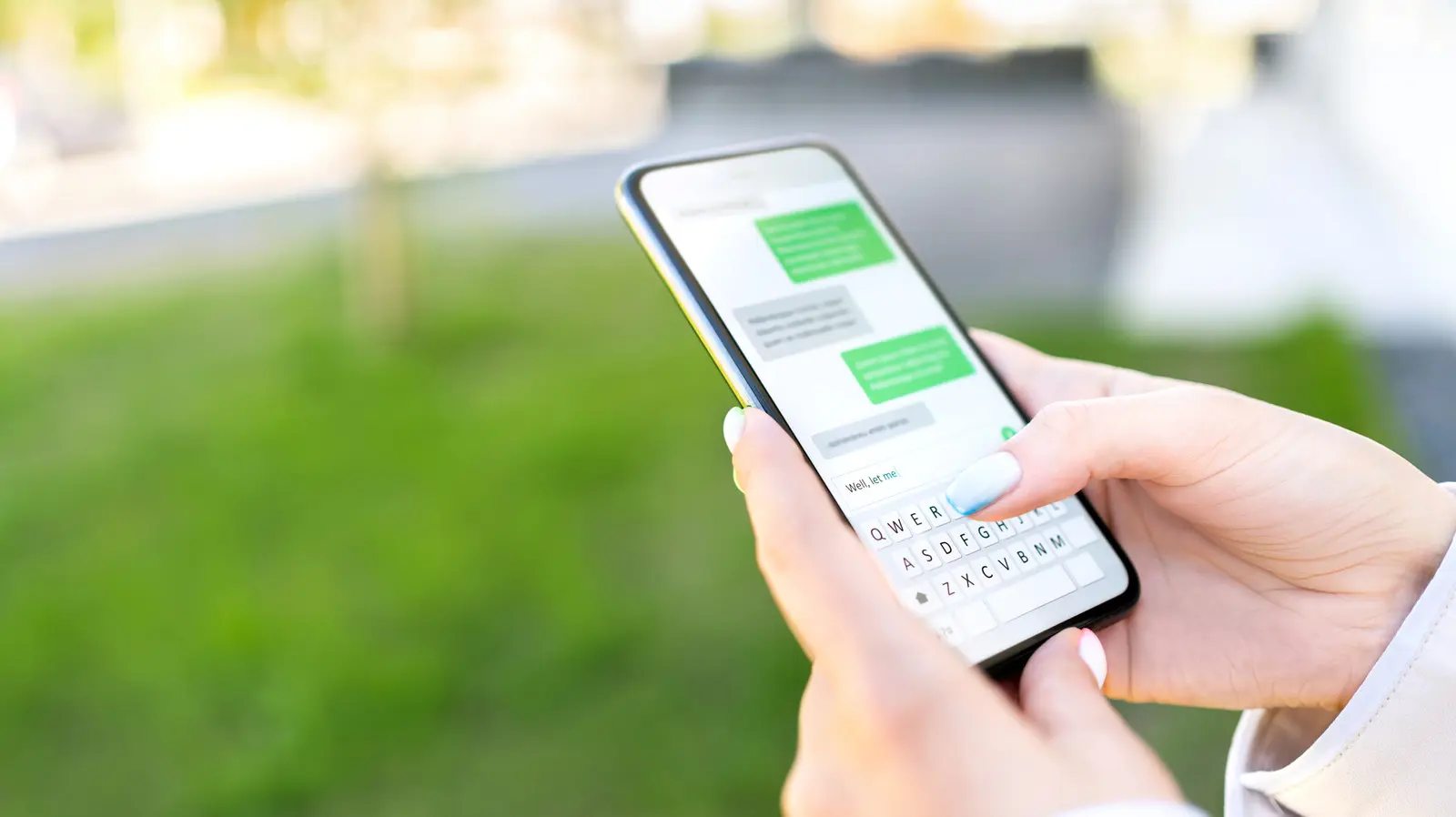
A green text message bubble can make even a confident texter feel a little uneasy. If you have spent any time using an iPhone, you know that a successful iMessage appears in a blue bubble, while a standard SMS text appears in green. When a conversation suddenly shifts to green, many people start to wonder if the other person has blocked them. But the color change is not a simple confirmation of being blocked. It is often a sign that the message has been sent using a different messaging path, and there are many innocent reasons for that change.
Understanding what blue and green bubbles mean requires a quick look at how Apple’s Messages app works. Blue messages are delivered through iMessage, Apple’s instant messaging service. This service uses the internet, rather than a traditional cellular voice network, to send text messages, photos, videos, and other files between Apple devices. It is similar to other internet-based messaging services, but it is built directly into the Messages app and paired with a user’s phone number or Apple ID. Because iMessage needs internet access, anything that interrupts internet service—on either your device or the recipient’s device—can prevent it from working.
When iMessage cannot be used, the Messages app automatically switches to SMS, also known as Short Message Service, or MMS for picture messages. SMS is the older and more universal texting standard supported by nearly every mobile phone in the world. Since SMS is not exclusive to Apple, a message sent through this system will not appear in the bright blue color associated with iMessage. Instead, it appears in a green bubble. That is why an Android user, for example, will almost always appear in green bubbles in your iPhone Messages app.
What a Green Bubble Does and Does Not Mean
It is easy to see why green bubbles are often taken as a bad sign. For years, Apple has used blue as the color of iMessage and green as the color of SMS. People have learned to associate green with non-Apple devices and with older technology. Yet the green color is simply an interface cue that tells you how your message was sent. It does not tell you whether the recipient has deemed you unworthy of a response, nor does it confirm that you are on some kind of communications blacklist.
The most straightforward reason a green bubble appears is that the recipient has an Android phone or another non-Apple device. This might be a brand new situation if the person recently switched from an iPhone to an Android phone. In that case, your previous conversations may have been blue, but they would now turn green because the person is no longer using Apple’s proprietary messaging service. If the person has changed phones and you did not know about it, the sudden appearance of green bubbles can create the worrying impression that they have blocked you. In fact, all it means is that they are no longer reachable through iMessage.
Another possibility is that the recipient has turned off iMessage in their device settings. Apple allows users to disable iMessage under Settings > Messages. If a user decides to turn it off for privacy reasons, to troubleshoot a technical problem, or because they simply prefer SMS, all messages from iPhone users will automatically be sent as green SMS texts. Similarly, if the recipient has more than one Apple device and there is a problem with their Apple ID, iMessage might stop functioning.
Why iMessage Might Suddenly Be Unavailable
There are many technical reasons why iMessage may fail to send and why the iPhone will fall back to SMS. One of the most common reasons is poor internet connectivity. If you are in an area with weak Wi-Fi or a weak cellular data signal, your device may not be able to reach Apple’s iMessage servers. In those situations, the message app may send your text as SMS so it still reaches the recipient. This can cause conversations to alternate between blue and green from one message to the next, which can be confusing if you are not aware of the network conditions.
Another thing to consider is whether you or the recipient have run out of cellular data. iMessage consumes a very small amount of data for plain text messages, but some users have limited plans or have turned off cellular data specifically for Apple services. When data is restricted, iMessage cannot be used, and the iPhone sends SMS instead. Some users also have an option enabled that automatically sends a message as SMS when iMessage is not available; if that setting is on, the fallback can happen without any warning.
Apple’s iMessage servers can also experience temporary outages. While full-scale outages are relatively rare, they do happen. During these periods, users might find that every message they send, even to other confirmed iPhone users, comes out green. Once the server issue is resolved, blue bubbles usually return to normal. These outages are not tied to any action taken by the recipient, and they can last from a few minutes to several hours, depending on the severity of the technical problem.
The person on the other end might also have a device that has lost its connection to the iMessage service. For instance, if someone has recently restored their iPhone, switched carriers, or changed their SIM card, their phone number may not yet be properly registered with Apple. Until the number is re-registered, iMessages sent to that user may not make it through. In that case, your message may be sent as an SMS text, or it may simply fail if SMS delivery is not possible for the recipient’s carrier.
So, How Can You Know If Someone Blocked You?
Since green does not give you a definitive answer, you need to look for signs that are much more directly tied to blocking. When someone has blocked your number on an iPhone, your phone call will usually go straight to voicemail. You might hear a single ring or no ring at all before the automated voicemail greeting starts. This happens because the carrier has stopped routing your calls to the recipient’s phone.
This method is not foolproof. Someone could be on Airplane Mode, have Do Not Disturb enabled, or have their phone switched off. To rule out those possibilities, try calling from a different telephone number. If the call goes through when you call from another phone but never goes through from your number, that is a much stronger indication that your number has been blocked.
Text messaging also leaves clues. When you are blocked, your iMessage is not delivered to the recipient’s device. Apple does not want to let the blocking person know they have been blocked from the other party's perspective, so the sender may not receive an explicit “blocked” message. However, you may notice that the message fails to send or that no “Delivered” or “Read” receipt ever appears underneath it. On iPhones, successfully sent iMessages show “Delivered” under the bubble. If you no longer see that status after sending a message, it could mean the message could not be delivered because the recipient has blocked you. This is especially telling if you have sent several messages over time and none of them has received a delivery confirmation.
There are exceptions. The “Delivered” status might also be absent if the targeted device is offline, out of battery, or disconnected from the internet. But when you pair this absence with the behavior of phone calls, it becomes easier to distinguish between a technical glitch and a deliberate choice to block you.
What About Android Phones?
Although green bubbles are an iPhone-specific visual cue, Android users can also wonder if they are blocked. The signs are less tied to color because Android messages do not rely on the same green-and-blue system. Android users should instead watch for message failures. If a text message is sent but not delivered, it will often remain stuck in the message thread with a small clock icon or another notification showing the send attempt did not complete. But delivery status on Android can be inconsistent because different carriers and texting apps handle notifications differently.
A more reliable test on Android is to search for the person’s contact information in your contacts app or the messaging app itself. If you have been blocked by someone who uses an Android phone, their contact details may be hidden or their messages, if any, may be filtered into a spam folder. Some messaging apps, including those made by Samsung and Google, will not give a definitive “blocked” notice. Yet if you try adding the phone number as a contact and the app does not recognize it for calls or messages, that can be a clue. Still, it is important to note that contact syncing quirks can also cause similar behavior.
Key Facts to Remember About Green Bubbles and Blocked Contacts
- A green bubble does not automatically mean you have been blocked. It just means the message traveled as SMS rather than iMessage.
- Blue iMessages only work between Apple devices using internet connections. Any interruption can cause a temporary switch to green.
- Many Android users appear green in an iPhone conversation. A recent phone change can make a formerly blue thread turn green.
- The most reliable blocked signs are unanswered calls and unsent messages. Calls going straight to voicemail and messages not showing “Delivered” are stronger evidence than bubble color.
- Try calling from another number to test for a true block. If that call goes through, you have likely been blocked.
- Check your own iMessage settings and connectivity before jumping to conclusions. A simple network problem can cause all your blue conversations to turn green.
Source: SlashGear News