

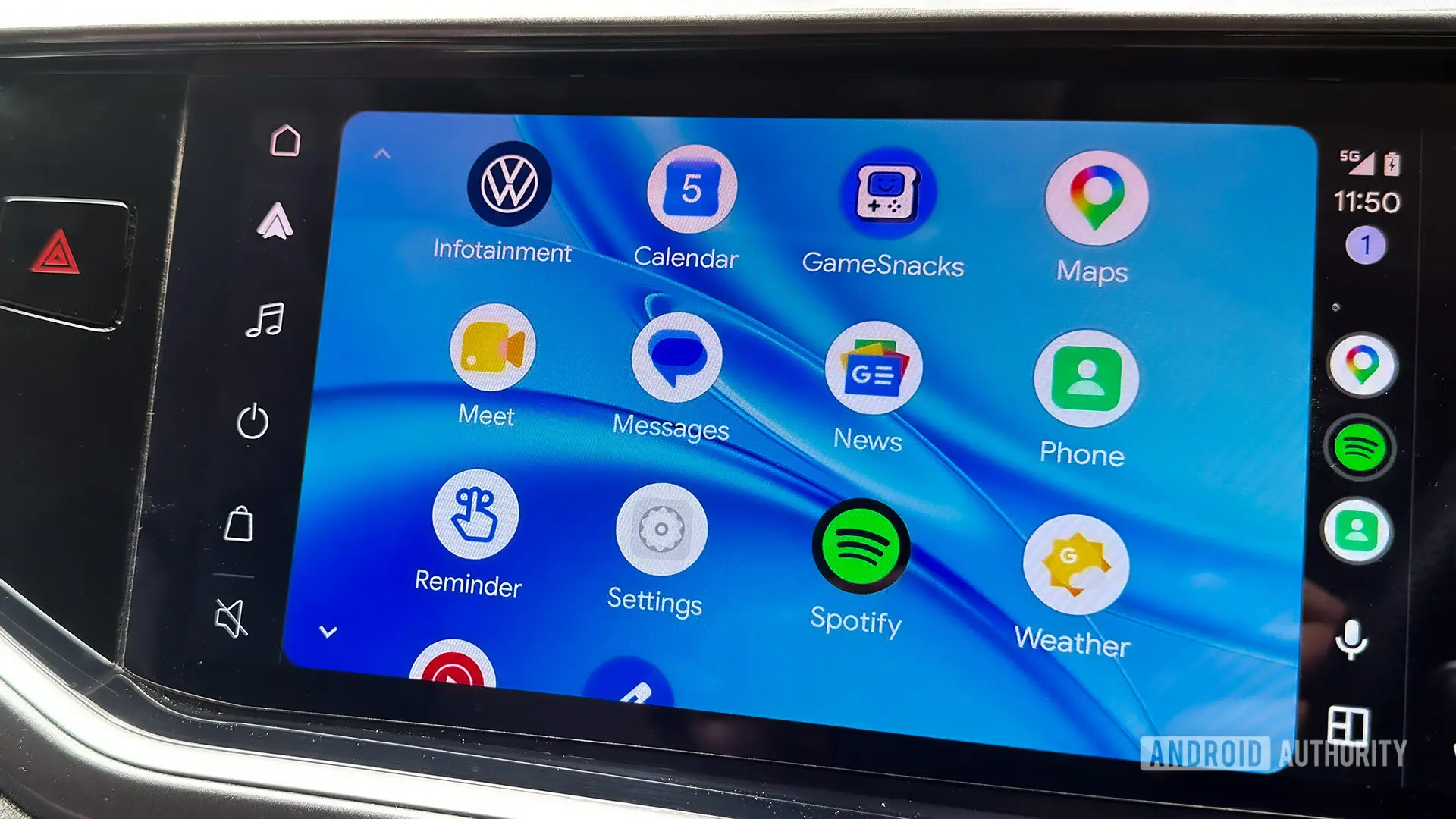
The developer behind Xtream Player has announced version 1.6.0, a new release for the Android Auto-focused media app that introduces a visualizer, experimental video casting, and several playback refinements. The announcement comes after a turbulent few months for the project, which had initially been scheduled for shutdown before being rewritten and relaunched. The new version continues the app's momentum with features aimed at making music and video playback in the car more enjoyable and customizable.
Xtream Player has found a loyal audience among users who want more media options in their vehicles than the official Android Auto interface generally allows. It supports a wide range of streaming sources, including YouTube, Plex, Jellyfin, and local playback, though some capabilities require sideloading. The app is not distributed through the Play Store, so users normally download it from the developer's GitHub page or the Fermata Xtream website. This flexibility has made it one of the community's favorite media players for Android Auto.
Key facts at a glance
- The new update is version 1.6.0 and was announced on Reddit.
- The visualizer feature includes nine styles for free and premium users.
- The video casting option from phone to car is currently experimental.
- In-page controls can now hide automatically for an immersive YouTube experience.
- The quality picker has been adjusted to match YouTube's quality labels.
- Playback can now resume after a call instead of switching back to the car radio.
- Captions are now turned off by default, and premium users get extra visualizers.
- The app is available through GitHub and the Fermata Xtream website.
Visualizer feature channels the Winamp era
Perhaps the most striking addition in v1.6.0 is the new visualization screen. Desktop users from the late 1990s and early 2000s will immediately recognize the idea behind this feature. Visualizers generate real-time animated graphics that respond to the audio signal, turning music playback into an eye-catching display. The update includes nine different visualization styles, and the feature is open to everyone, not just premium subscribers.
While many modern music apps have abandoned visualizers in favor of simple album art or static now-playing screens, there is still a large group of listeners who enjoy the extra visual component. The Winamp comparison is apt because Winamp popularized audio visualizers on the PC with plugins such as MilkDrop. The new Xtream Player update leans into that nostalgic appeal while bringing the visualizer to an in-car context. Given that Android Auto is usually dominated by navigation, phone, and media interfaces, a visualizer can make listening sessions feel more immersive.
Experimental phone-to-car video casting
Version 1.6.0 also introduces a feature that lets users send a video from their phone to their car. Once sent, the video can be viewed on the Android Auto display, although the developer has labeled the feature as experimental. This means it may not work perfectly in every vehicle or with every video source. The feature will likely appeal to people who want to start watching something on their phone before they get into the car and then continue on the infotainment screen without fiddling with multiple controls.
In the broader Android Auto ecosystem, video playback is not officially supported while the car is moving, and many safety-conscious users will only use such features when parked or as a passenger. Still, the ability to hand off video playback from a portable device to a larger in-car display has been requested by many in the community. It is common for media apps to focus on audio playback only, so adding video casting is a meaningful step.
Better YouTube controls and cueing
The update also makes several changes to improve the YouTube experience inside Xtream Player. In-page controls now hide after a few seconds. This reduces on-screen clutter and removes distracting UI elements while a video is playing. For Android Auto displays, this is particularly useful because persistent controls can block part of the video and reduce visual comfort.
The app's quality picker has also been updated to use the same labels as YouTube. This makes it easier to choose the desired resolution without having to translate between the app's own naming system and the familiar 1080p, 1440p, and 4K labels. The change is subtle but important for users who care about bitrate and data usage while streaming on a cellular connection.
Another notable improvement involves call handling. Previously, when a phone call came in during playback, the media session may have been interrupted in a way that dropped playback back to the radio tuner. In v1.6.0, playback can resume after a call ends, avoiding that jarring transition and allowing the user to return to the video or audio they were enjoying. Separate from that, captions are now disabled by default. This cuts down on unnecessary overlay text and means users will only see subtitles when they explicitly choose to turn them on. For a media app used in a car, fewer unexpected overlays can only be a good thing.
What premium users get
Many of the improvements in v1.6.0 are available to all users. Free users get the nine-style visualizer, the new experimental casting feature, the auto-hiding controls, the refined quality picker, and the call-resume behavior. However, the update also includes premium-only additions for people who have purchased the app.
Premium subscribers will notice that Xtream Player now remembers the last visualizer style they used before leaving the screen. This is a small convenience that saves time for people who have a favorite look and do not want to cycle through menus every time. More importantly, premium users gain support for two additional visualizer engines: MilkDrop and libprojectM. MilkDrop is a legendary plugin known for its psychedelic, music-synced graphics, while libprojectM is an open source implementation that preserves a similar experience on modern platforms. With these additions, premium users have access to a far wider range of visual effects than the standard nine styles.
This tiered update strategy reflects the project's approach of keeping core features accessible while offering extra customization to those who support development. The developer has been open about the difficulty of maintaining an Android Auto media app, especially one that relies on sideloading and community feedback.
Context: a dramatic year for the app
The new update is the latest twist in a long-running story for Xtream Player. A couple of months ago, the developer announced that the app would be shut down. That news came as a disappointment to a dedicated user base that relies on the app for a richer Android Auto media experience. However, the developer later rewrote the entire codebase and brought the project back under the Xtream Player name. The relaunch was not just a simple restoration; it included a rewrite that made the app feel more modern and opened the door to new features.
Shortly after the relaunch, an update added dashboard games, allowing passengers to play simple games while the vehicle is stationary. Now, v1.6.0 carries that momentum forward with the visualizer, video casting, and the other refinements. This fast release cadence suggests that the developer is actively listening to user feedback and is committed to keeping Xtream Player alive despite the challenges of building for Android Auto.
Users have multiple reasons to pay close attention to this release. Some will welcome the visualizer as a fun addition to music playback. Others will be more interested in the video casting experiment, while long-time users will appreciate the call handling and interface improvements. The fact that most of these changes are available in the free version makes the update easy to try.
How to install or update Xtream Player v1.6.0
Xtream Player is not available in the official Google Play Store. This is because Google restricts Android Auto media apps and does not permit the sideloading-friendly behavior that Xtream Player relies on for video playback. As a result, users need to get the APK from the developer's official distribution channels. The new version can be downloaded from the GitHub repository linked to the Fermata Xtream project or from the official Fermata Xtream website.
Before updating, existing users should consider backing up their settings. Since Xtream Player often requires manual setup for streaming sources and Android Auto launcher settings, preserving preferences is useful. For new users, installation usually involves allowing installations from unknown sources, opening the app once on the phone, and then following the setup instructions provided by the developer. Not every vehicle and infotainment system will behave the same way, so testing the app while parked is always recommended.
The v1.6.0 update will run on both free and premium builds. Premium subscribers should make sure they are using the correct premium APK and that their existing purchase or activation method is recognized by the new version. Once installed, the visualizer can be found in the playback screen, and the experimental video sending option is accessible through the app's tools or sharing menu, depending on the selected source.
Given the rapid pace of updates, it is safe to expect more improvements in the weeks ahead. The developer has shown a willingness to address bugs and refine features based on community feedback. The experimental nature of the video casting feature means users who try it should report any issues to the developer or within discussion communities. That kind of feedback loop has proven valuable to the project, particularly because no two vehicles have exactly the same Android Auto setup.
Xtream Player v1.6.0 represents a major step for the app. It brings a popular visual feature from the desktop era into a modern car interface, adds an experimental casting function, and cleans up everyday controls. Free users receive most of the benefits, while premium users get additional visualizer engines and the convenience of remembering their last selected style. The available download channels are the same as before, making the update straightforward for existing users and new users alike.
Source: Android Authority News