

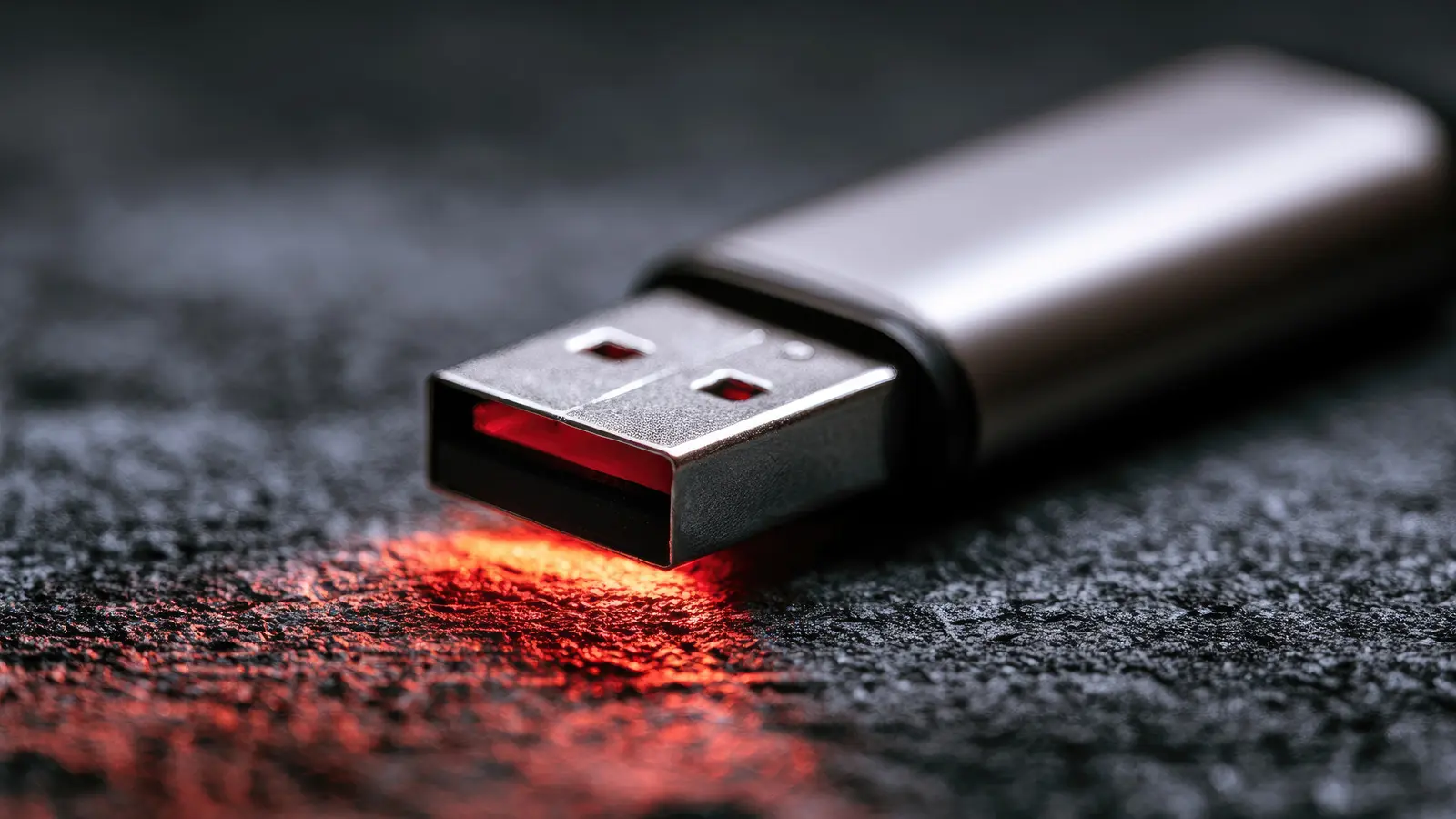
Cheap storage has always been a magnet for bargain hunters, but a rock-bottom price on a 2TB USB flash drive is usually bait for a fraud. Counterfeit flash drives are not a new problem, but they continue to thrive because they are cheap to make and easy to sell on online marketplaces. The same trick has been used with SD cards, USB sticks, and full-size SSDs. Sellers offer a device with an eye-watering capacity at a price that appears too good to pass up. Too often, the result is permanently lost data.
Key Facts
- Scammers list devices with capacities from 2TB to 16TB at a fraction of the standard retail price.
- A fake drive often hides a low-capacity chip, an old SD card, or no real storage at all.
- Counterfeit listings are common on major sites, including Amazon, Walmart, eBay, Temu, and AliExpress.
- Modified firmware can trick your operating system into reporting a false capacity, leading to corruption once data passes the real limit.
- Capacities that exceed mainstream products are a red flag because even the largest consumer M.2 SSDs are around 8TB, and common thumb drives top out at about 2TB.
- Free tools can test a drive's real capacity before you trust valuable files to it.
The old scam behind a shiny new shell
Flash-storage scams have existed since memory cards became a mainstream consumer product. Thieves collect low-quality or rejected NAND flash chips and mount them on small circuit boards. The cost of components for a single fraudulent drive can be only a few dollars by the time they are purchased in bulk. For years, the fraud was relatively easy to spot because the advertisements were riddled with spelling mistakes, strange brand names, and unrealistic claims. But that changed as marketplaces matured and scammers learned to imitate official listings. Current fake storage products often look identical to real ones, even down to retail packaging.
The problem has become more visible again because of the rapidly changing memory market. Demand for AI workloads has pushed up the cost of DRAM and NAND, creating pressure on consumers to seek deals. High prices give counterfeit sellers a wider opening, because a two-thirds discount on a drive feels like a smarter purchase than ever. The psychology, unfortunately, is exactly what criminals rely on when they drag a $20 2TB drive to market.
A convincing fake Samsung 990 Pro shows the stakes
The problem is no longer limited to generic no-name drives. Japanese tech reviewers recently tested a counterfeit Samsung 990 Pro that was a surprisingly close copy. The drive came in packaging that closely matched the genuine product, and to a casual buyer it looked legitimate. Subtle differences only emerged when it was placed side by side with an authentic drive, and the internal components told the real story. If even a well-known flagship SSD can be cloned, so can a USB flash drive that appears to be from a trusted brand.
This level of sophistication extends beyond storage. The same counterfeiting networks produce fake graphics cards, often by taking older GPUs, reprogramming their BIOS, and repackaging them as newer models. Likewise, phony DDR5 memory modules have flooded retailers, causing system instability and even permanent hardware damage. Suspiciously cheap components should always be evaluated with care, especially when the seller has no established reputation.
How the fake flash drive scam works
The obvious starting point is the listing itself. A seller posts a product with a giant capacity, say 2TB, 4TB, or 16TB, for an eye-catching price. Examples are easy to find all over the web. At any moment, marketplaces show 2TB USB flash drives for less than $20 from third-party sellers. In many cases, the physical drive has a tiny 32GB or 64GB chip. Some are nothing more than repurposed microSD cards welded to a USB adapter. Others are completely empty, with only a controller IC and a preloaded firmware label that fools the operating system.
The core of the scam is a modified controller or altered firmware. A normal drive reports its available sector count to the host operating system. On a counterfeit drive, that sector count is inflated so the system believes the drive has far more space than is physically present. The OS will happily format the fake drive and begin writing data. The drive does not stop writing at the real capacity. Instead, a malicious firmware scheme might wrap around and start overwriting the earliest files, while still reporting that everything is fine. This is often called wrap-around corruption. To the user, files may appear intact until one day the drive refuses to open directories, or a routine backup silently destroys an entire file history.
Recovering data from such drives is extremely difficult because the controller is not behaving like a normal device. The usual file-recovery strategies assume honest storage hardware. When the flash translation layer lies, data can be overwritten before any record exists in the host system. In many cases, the drive cannot be salvaged at all. That is why a fake drive is far more dangerous than a dead drive: it may look useful until after the damage is done.
Why online marketplaces struggle to stop it
Trafficking counterfeit goods is illegal in the United States and many other countries, but most of these operations are based outside the jurisdictions where the buyers live. Individual sellers can be difficult to prosecute because they hide behind multiple accounts and third-party seller identities. The small scale of each shipment makes it impractical for law enforcement to pursue in most cases. Marketplaces have tried to police fake storage, but the sheer volume of listings makes it impossible to screen every product manually. Seller accounts can be suspended, and the bad actors start fresh under a new name the next day.
This reality leaves shoppers with one effective defense: vigilance. Before you enter your credit card information, look at the seller history, examine the product photos, and consider whether the price makes physical sense. If a deal feels improbable, it probably is.
Spotting the warning signs
Not every fake drive is an obvious counterfeit, but the majority of listings share familiar red flags.
- The price is too low. A genuine 2TB USB flash drive from a major brand costs significantly more than the $20 or $30 price tags attached to many suspicious deals. If the price is a tenth of what a known brand charges, the drive is almost certainly fake.
- The capacity is impossible. Consumer M.2 SSDs currently scale to around 8TB, while mainstream USB thumb drives top out around 2TB. From 4TB to 16TB, a thumb drive is an immediate red flag. There is no well-known manufacturer selling an inexpensive 16TB USB stick.
- The brand is unknown. Generic drives with no manufacturer information are riskier. Even a name that vaguely resembles a trusted brand should raise a red flag.
- The specifications are vague. Listings without clear read/write speeds, warranty details, controller type, or number of write cycles are designed to prevent scrutiny.
- The reviews are generic. Counterfeit sellers often use carefully curated fake reviews that describe the order but not the drive's performance over weeks of heavy use. Look for reviews from users who tested capacity with verification tools.
Before buying storage intended for photos, financial documents, or work projects, it is worth paying more for a reputable brand sold directly by a trusted retailer. The $100 or more you save with a counterfeit drive can vanish when years of data are destroyed.
How to test a flash drive for authenticity
If you already own a drive and worry it may be fake, testing is simple and free. The goal is to write more data than the drive can possibly hold and see if the drive reports errors. Common tasks include filling the drive with data using a dedicated tool, reading the data back, and comparing it to what was written.
On Windows, H2testw is one of the most trusted tools. It writes data to the tested capacity and then verifies each block. When it completes, it tells you exactly how much space was actually available. If the result is less than the advertised capacity, the drive is fake, and any data stored on it should be considered unsafe. Another Windows utility is FakeFlashTest, which performs a block-level test on all data blocks and bypasses the firmware metadata layer, making it useful for detecting a controller that reports misleading information.
On macOS and Linux, the open-source utility F3, also known as Fight Flash Fraud, works similarly. F3 writes pseudorandom data across the drive's advertised capacity and then reads it back to confirm that no bytes were lost. It comes with separate commands, often f3write and f3read, and it can be run from a terminal or via a graphical companion, F3X, on a Mac. If F3 shows mismatches or errors, your drive is not as large or reliable as it claims.
Even after a test succeeds, remember that no free utility can guarantee long-term endurance. High-quality flash drives include proper wear leveling, thermal controls, and reliable NAND. A knockoff that passes a basic capacity test may still fail after a short time or lose data under sustained write pressure. Use a proven branded drive for important files and maintain multiple backups.
Source: SlashGear News